PDF Embeds
Drop a PDF into public/ and embed it the way you would embed an image:
![[sample.pdf]]
![[sample.pdf|The handbook]] → the label names it in the header
![[documents/sample.pdf]] → the full path, when the name is not unique
The file is resolved by the same rule as any other embed — bare filename or
path relative to public/, and an ambiguous name resolves to nothing rather
than to a guess. See Wiki Links.
Here is one:
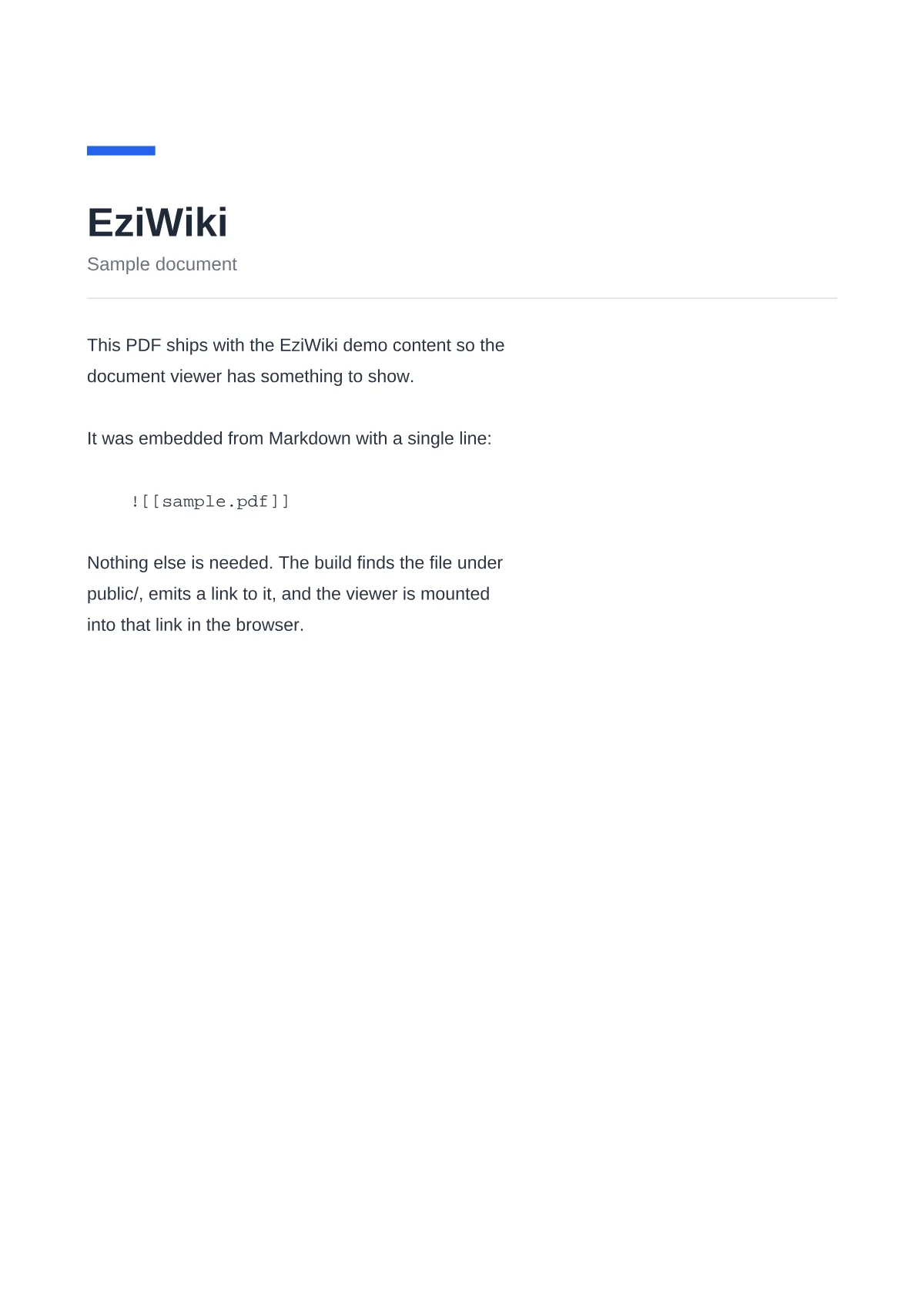 sample.pdf
What the build emits#
A picture of the first page, and a link:
<figure class="ezw-pdf" data-ezw-pdf data-name="sample.pdf" data-size="3976" data-pages="3">
  <img
    class="ezw-pdf__poster"
    src="/pdf-posters/documents/sample.pdf.webp"
    width="1200"
    height="1698"
    alt="sample.pdf"
  />
  <a class="ezw-pdf__fallback" href="/documents/sample.pdf" download>sample.pdf</a>
</figure>
The poster is that first page, drawn once during the build. It is why the page above shows the document rather than a placeholder, and why pdf.js is not fetched at all until you press Open — a megabyte of parser, skipped entirely for a reader who was only passing the document by.
That ordering is also what makes the markup its own fallback. Without script, or before hydration, or if the viewer fails to load, a reader is left with a picture of the document and a link to it rather than an empty box.
Why only the first page#
Rasterising every page was measured and refused. A six-page text PDF of 33 kB became 1.3 MB of WebP — thirty-eight times the file it would replace — and the pages lost their text on the way, so no selection, no in-page search, and nothing for a screen reader. One page as a preview is the part of that idea that pays for itself.
Where it has to stand#
An embed alone in its paragraph becomes the viewer. Written mid-sentence it becomes a link to the file instead — a viewer is a block, and a block cannot sit inside a sentence. So this:
The details are in ![[sample.pdf|the handbook]].reads as prose, with a download link where the embed was.
Reading it#
The pages are drawn as you reach them rather than all at once, so a hundred-page document opens as fast as a one-page one. The page counter follows the scroll, so it says where you are rather than where you last clicked.
Zoom is a multiple of the width of the column the document was embedded in — 100% means fitted, not actual size — so the fit survives a resize or a trip to full screen, and the reader's own zoom survives with it.
What gets deployed#
pdf.js fetches data files as it meets the need for them: a character map for a
document that names one of Adobe's predefined encodings, a font program for one
that uses a standard face without embedding it, an image codec for a scan.
npm run build stages them into public/pdfjs/ — but only when the wiki
actually contains a PDF, so a wiki without one deploys nothing extra.
Posters are written to public/pdf-posters/, redrawn only when their PDF has
changed, and removed when it is deleted. Neither directory is committed.
Drawing them needs a renderer, which is not installed by default because it is a native binary and most wikis have no PDF to draw:
npm i -D @napi-rs/canvasWithout it everything still works — the viewer simply opens straight away and
draws the first page in the browser, which is what the poster exists to avoid.
npm run build says so when it finds a PDF and no renderer.
Note
Adding the first PDF to an already-running npm run dev needs a restart, so
that the staging and poster steps run.
Scans#
A scanned page is already a picture. It carries no text to select, search, or read aloud, so drawing it during the build loses nothing — and usually costs less than the PDF did, since a re-encode to WebP beats what a scanner wrote. The demo scan below is 247 kB as a PDF and 90 kB as images.
Name those documents in payload/config.ts:
documents: {
  raster: ['scans/**'],
}
Paths are relative to public/ and understand *, ** and ?.
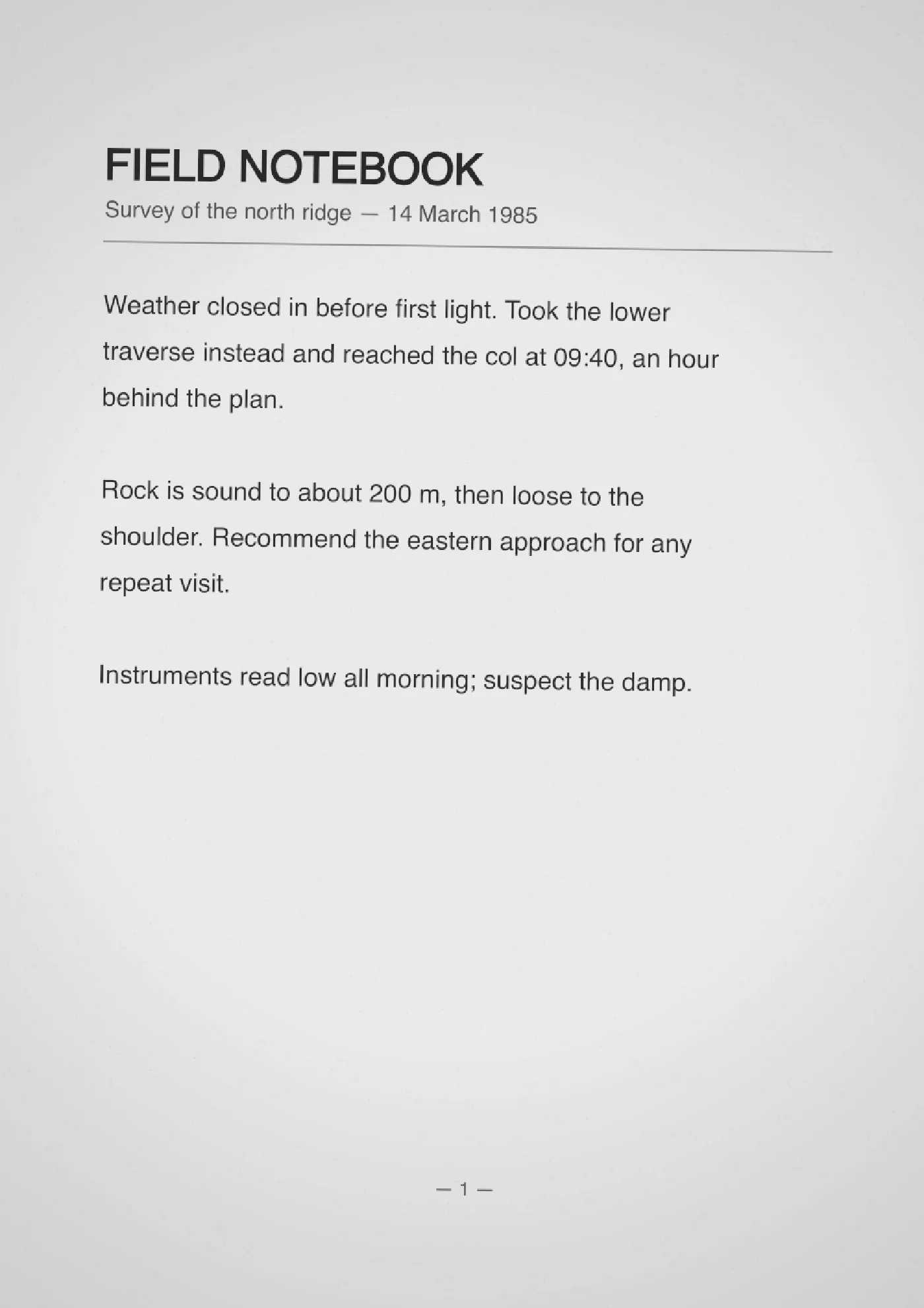
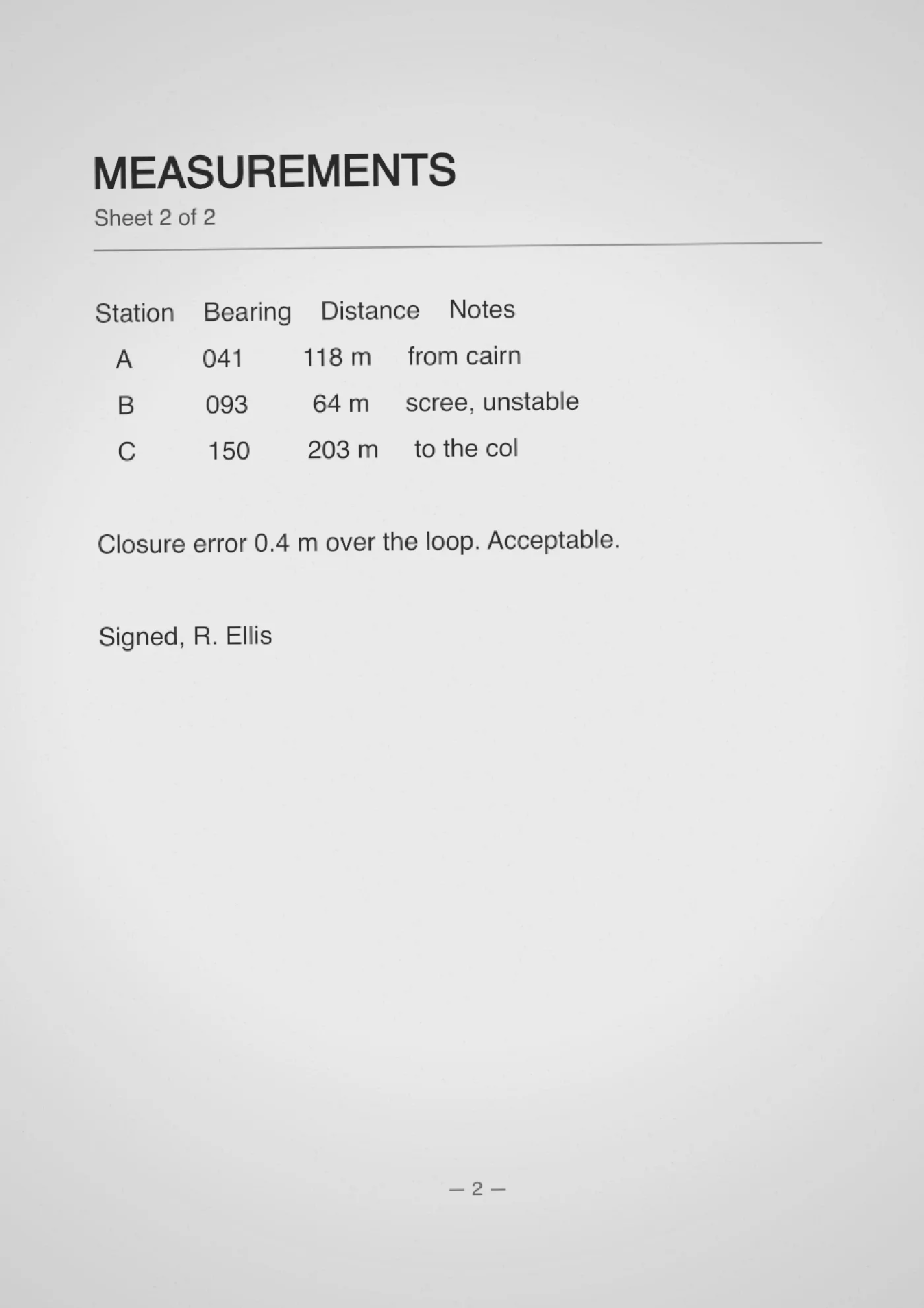
That figure is <img> tags in a box. No viewer, no pdf.js, no script of any
kind — switch JavaScript off and it is unchanged.
It is opt-in rather than automatic because the same treatment ruins a text
document, and nothing about a file says reliably which kind it is. Turning it
on for documents/ above would have made this page's own sample thirty-eight
times heavier and stripped its text out.